
Get Care. Give Care.

Care. Connected.
Effortlessly.

One intelligent platform connecting caregivers, families and care organizations. Designed around people.

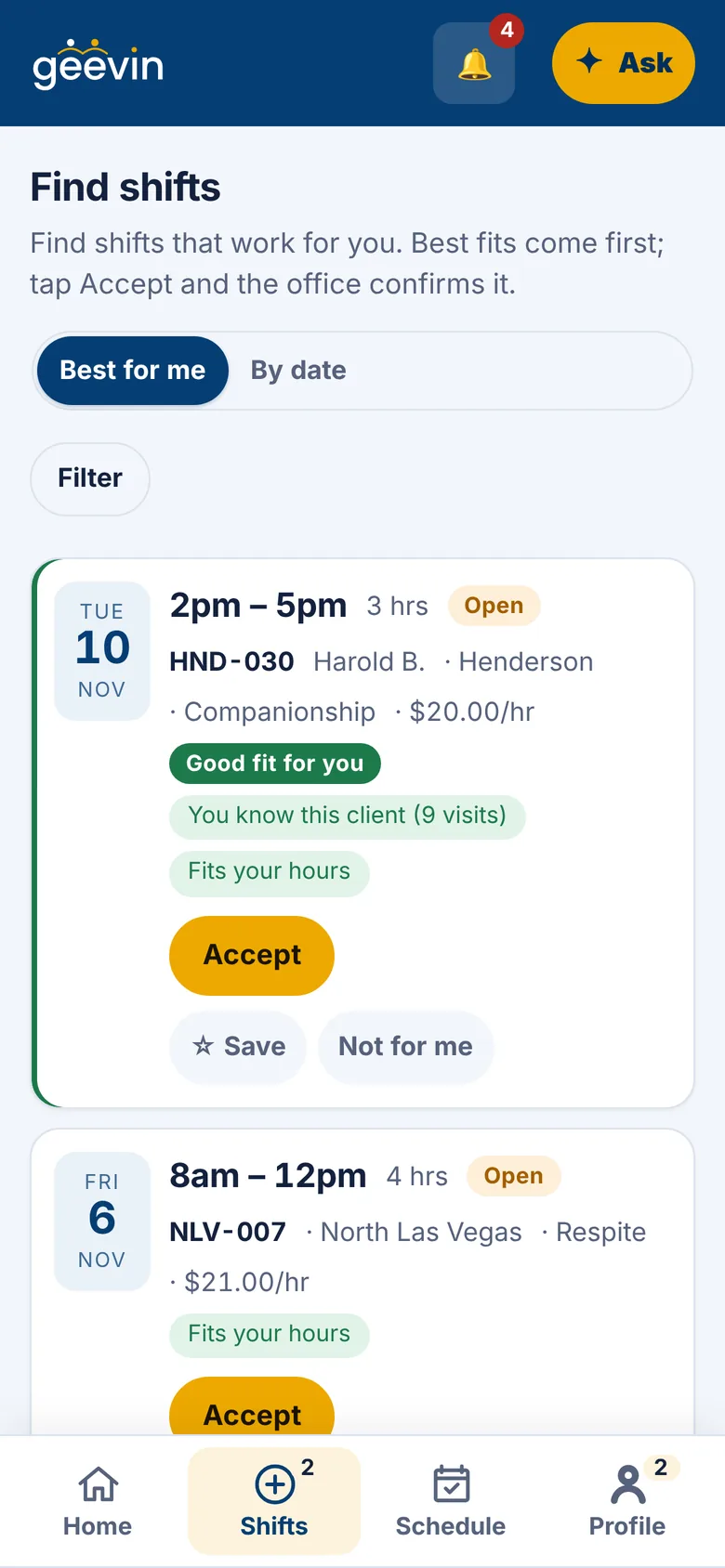
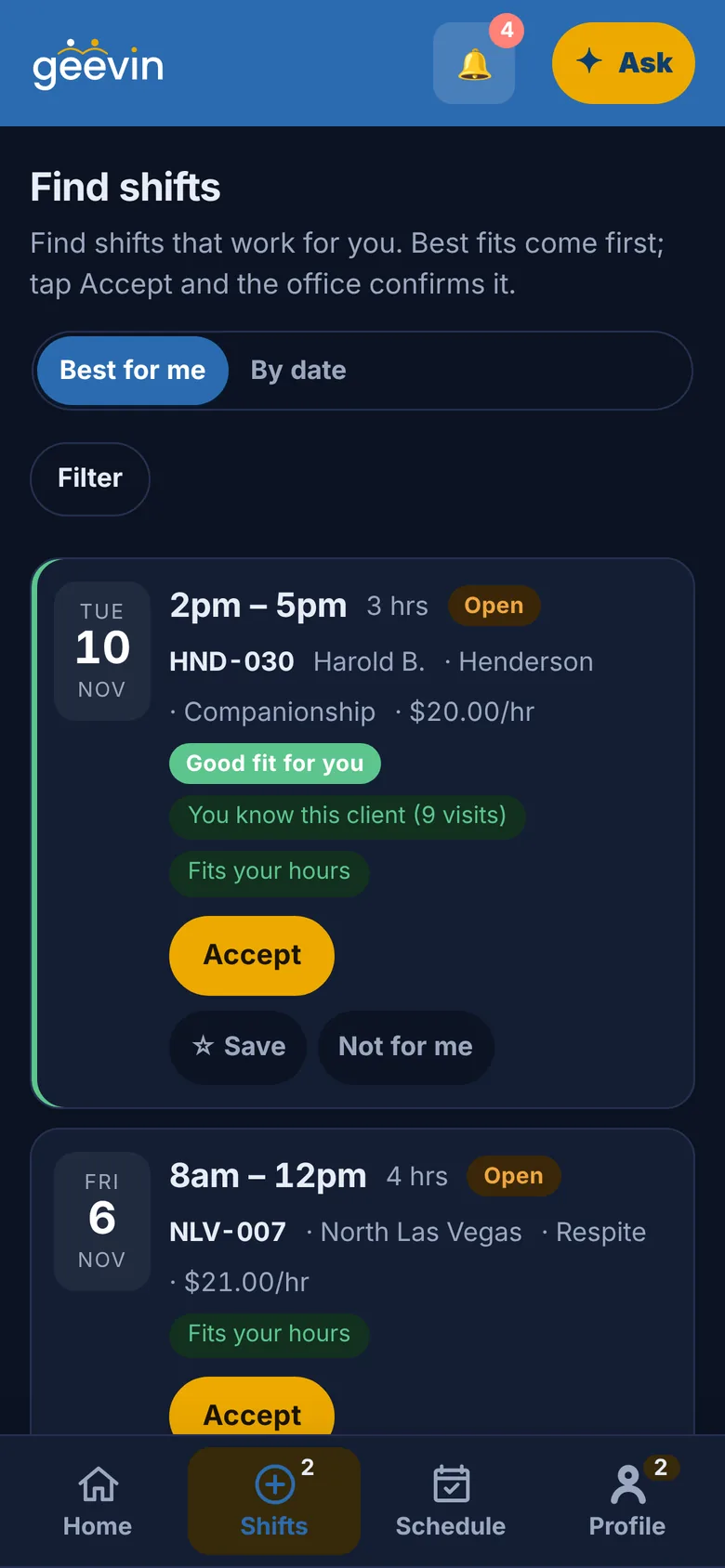
The caregiver's Find shifts screen in geevin, with the best fits first and an Accept button. The caregiver's Find shifts screen in geevin, in dark mode.
Good fit for you
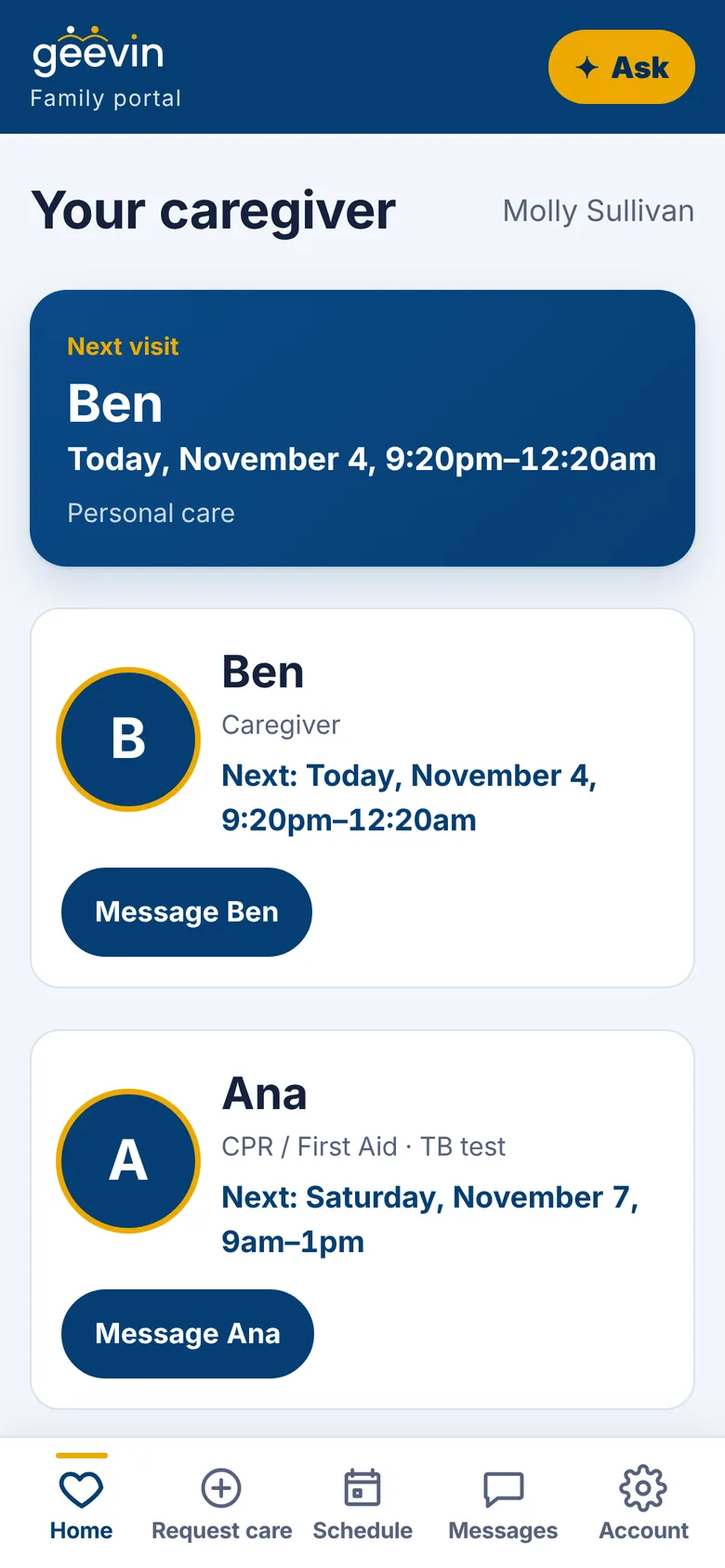
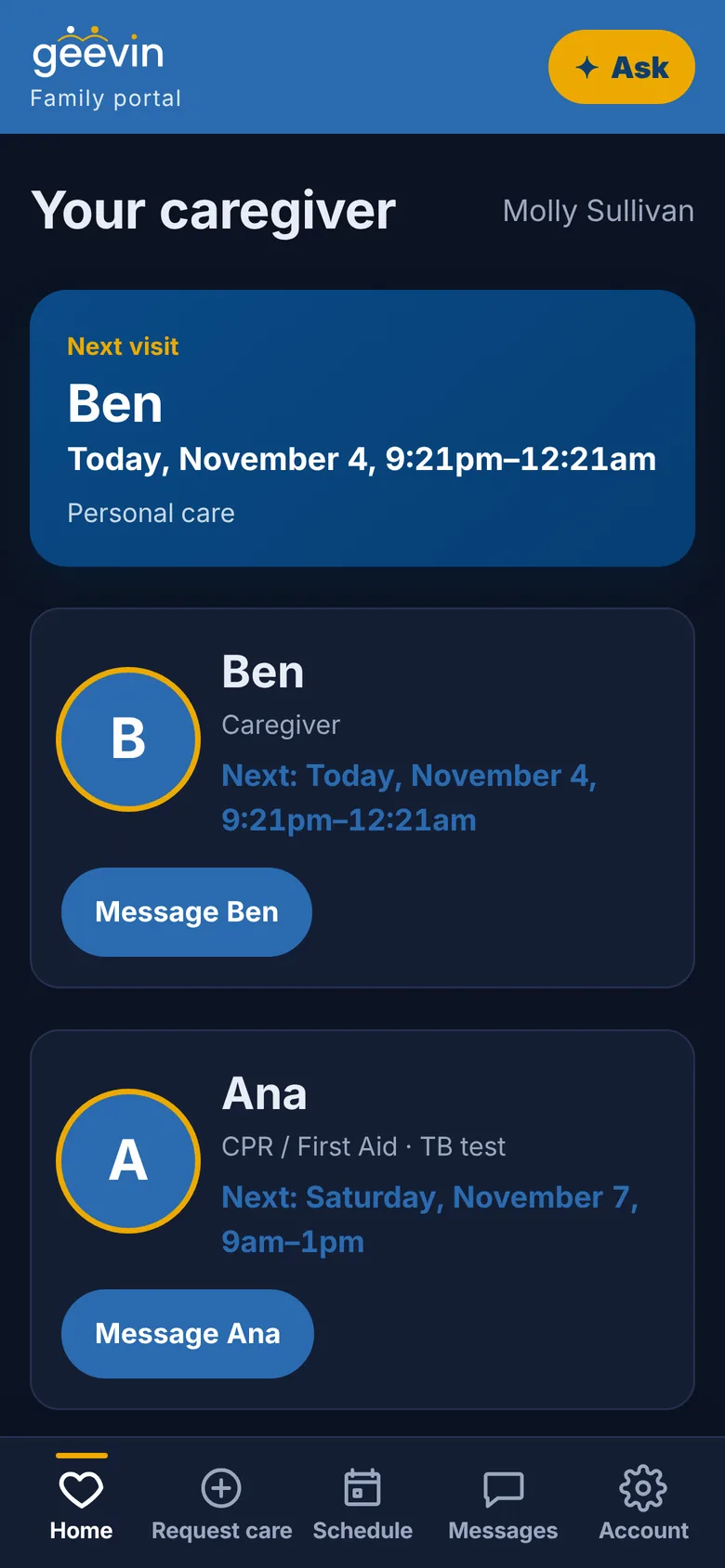
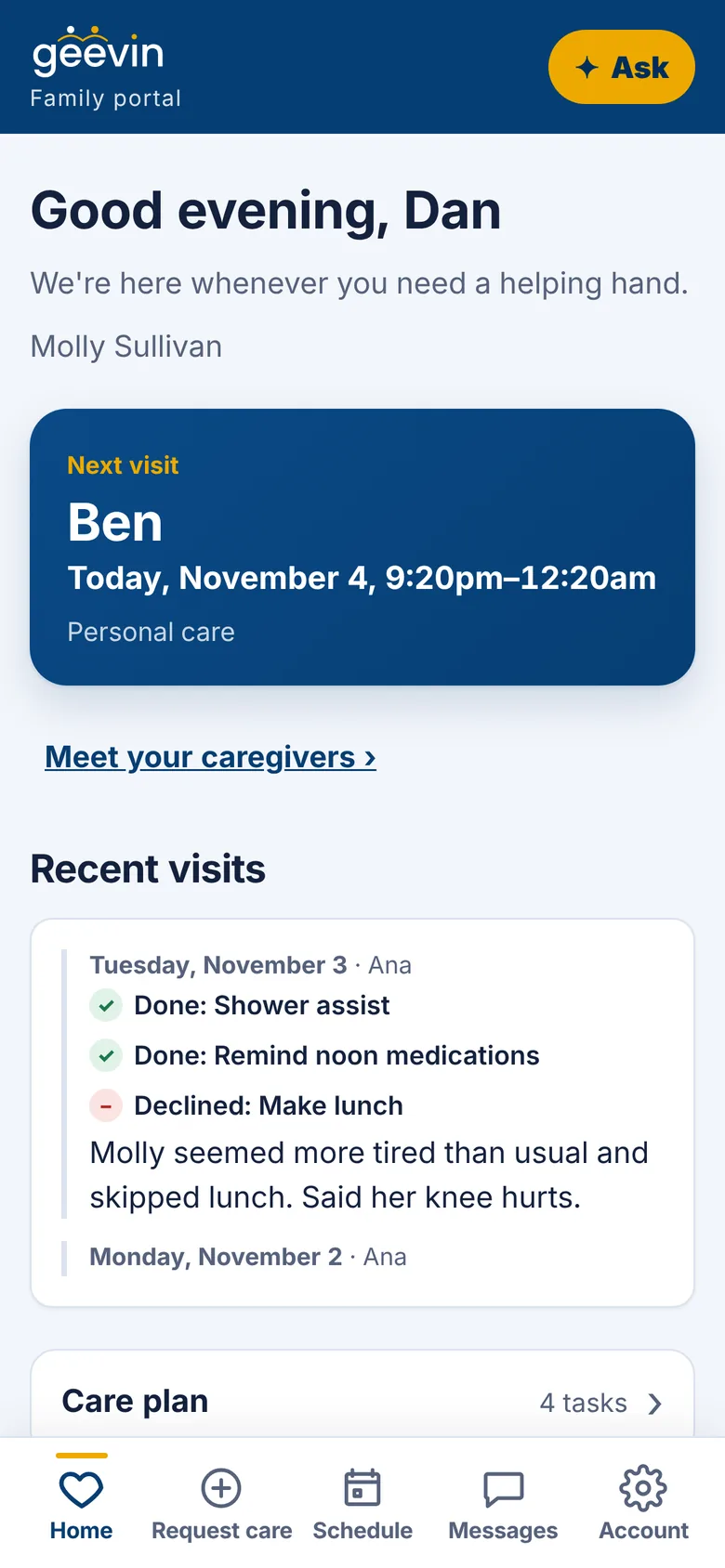
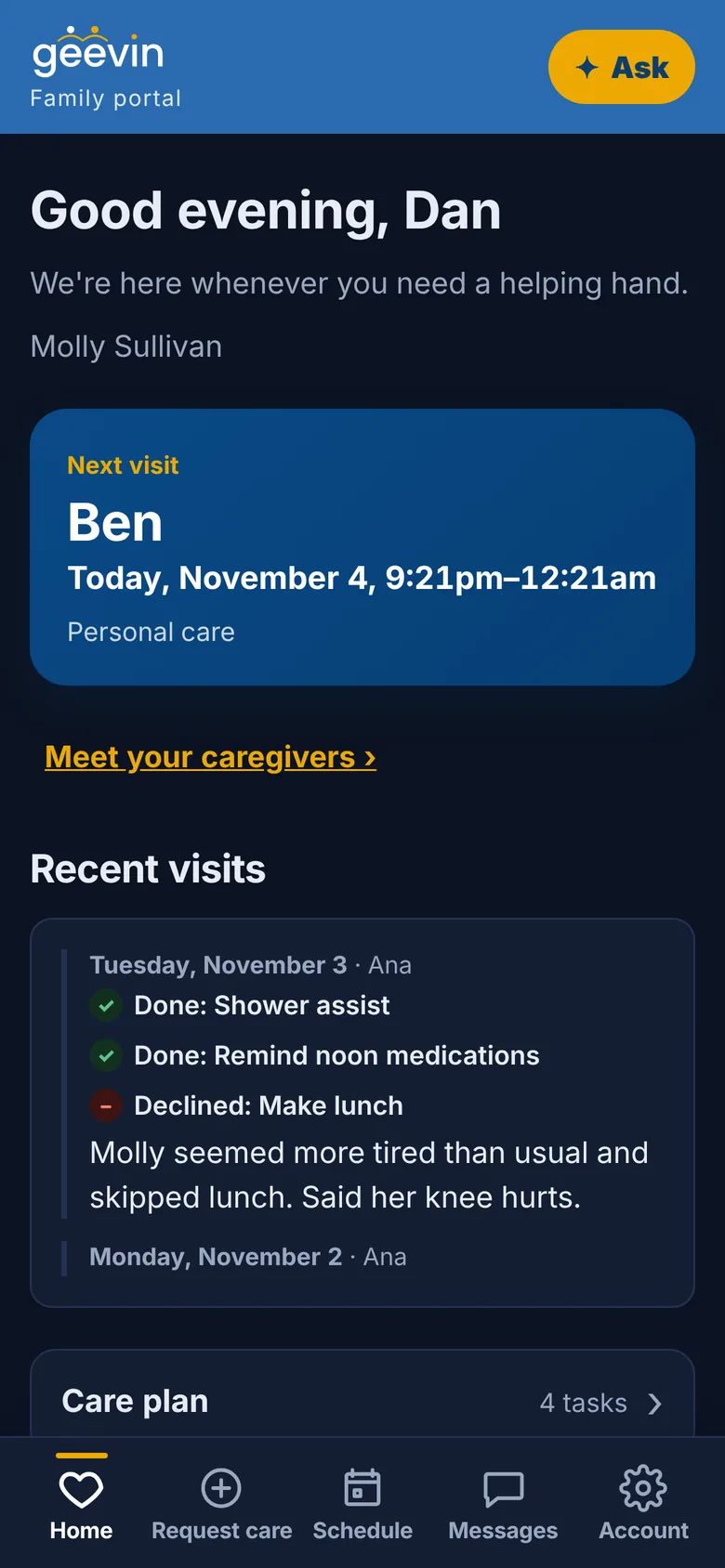
The family's Your caregiver screen in geevin, showing the next visit and a Message button. The family's Your caregiver screen in geevin, in dark mode.
Your caregiver has arrived

See it in action.

Real screens from the geevin app. Tap through.

Find shifts: open visits with the best fits first and an Accept button.
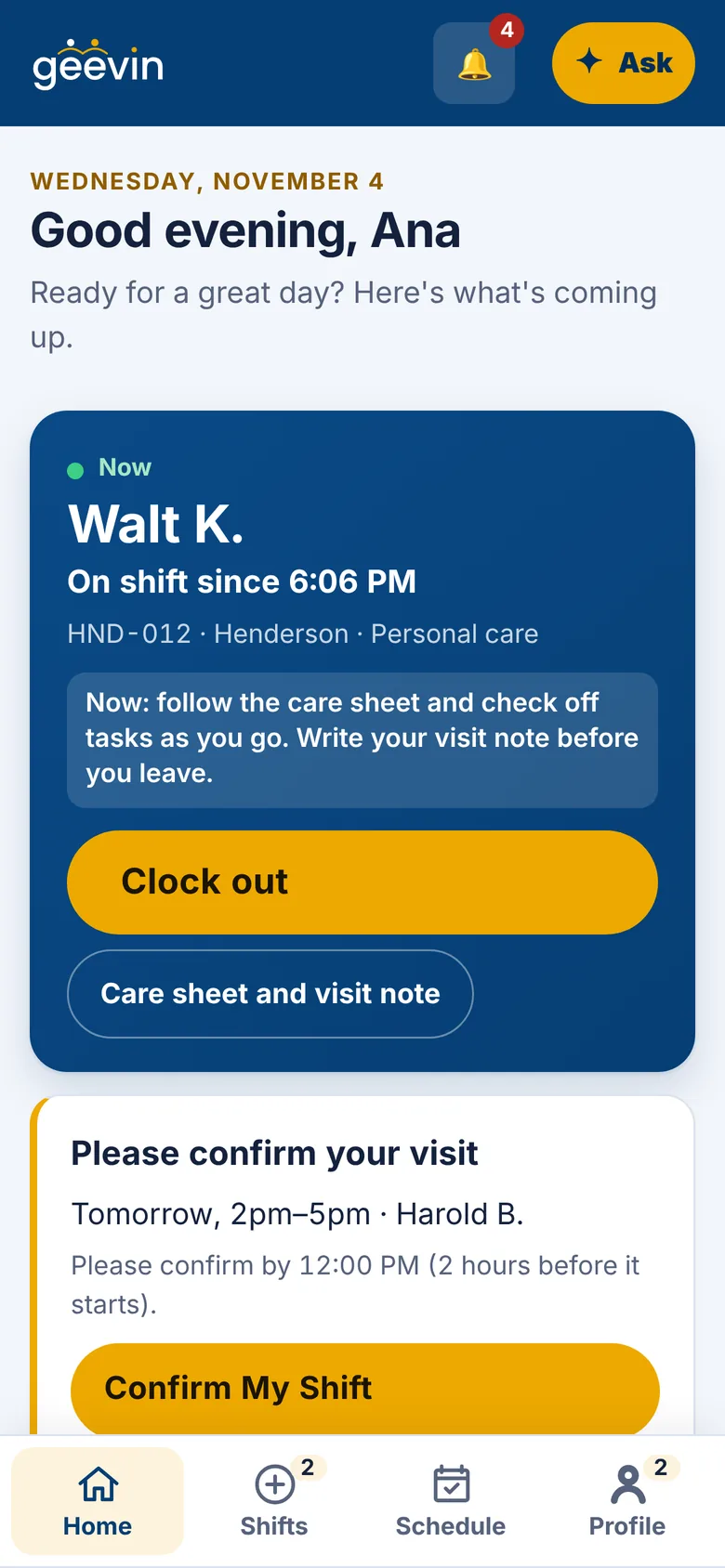
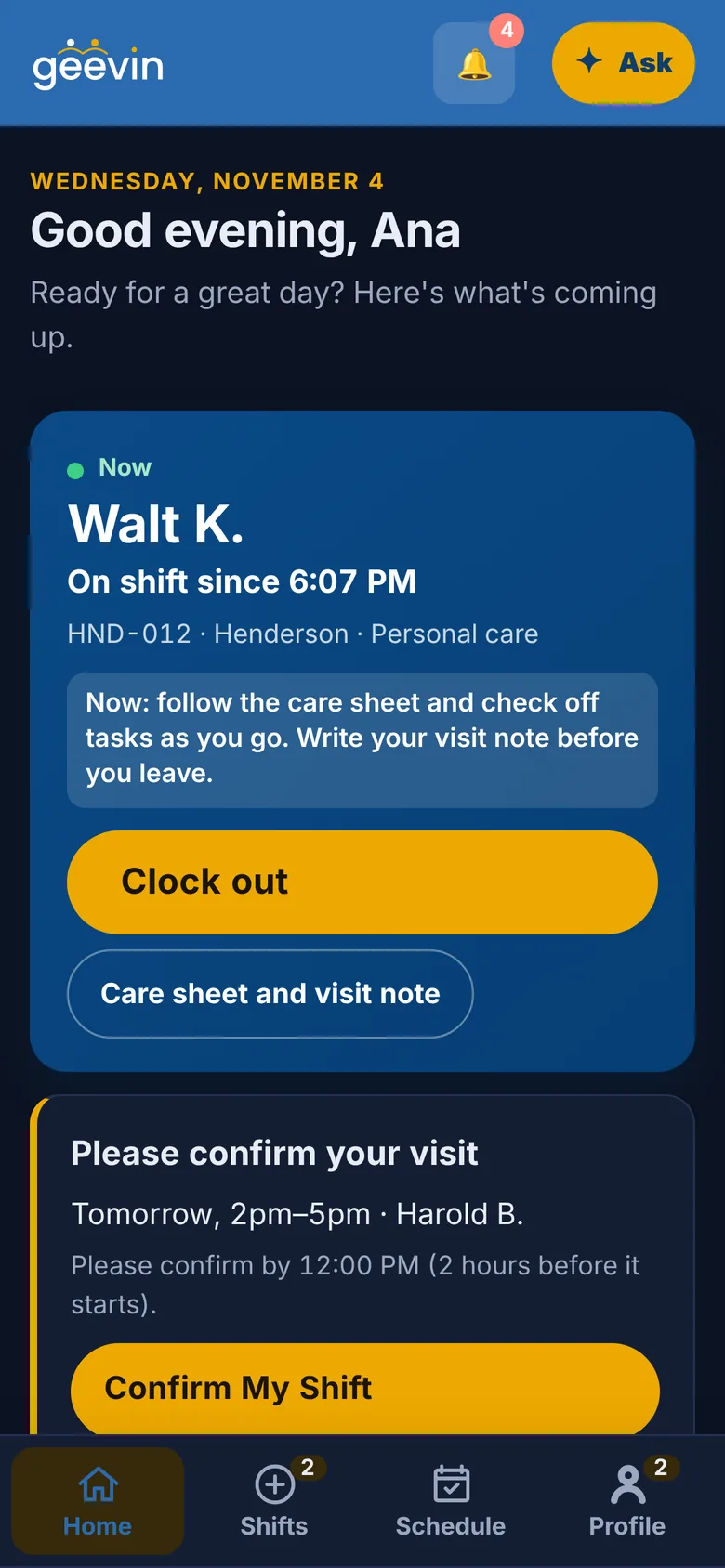
A visit in progress with the care sheet and a Clock out button.
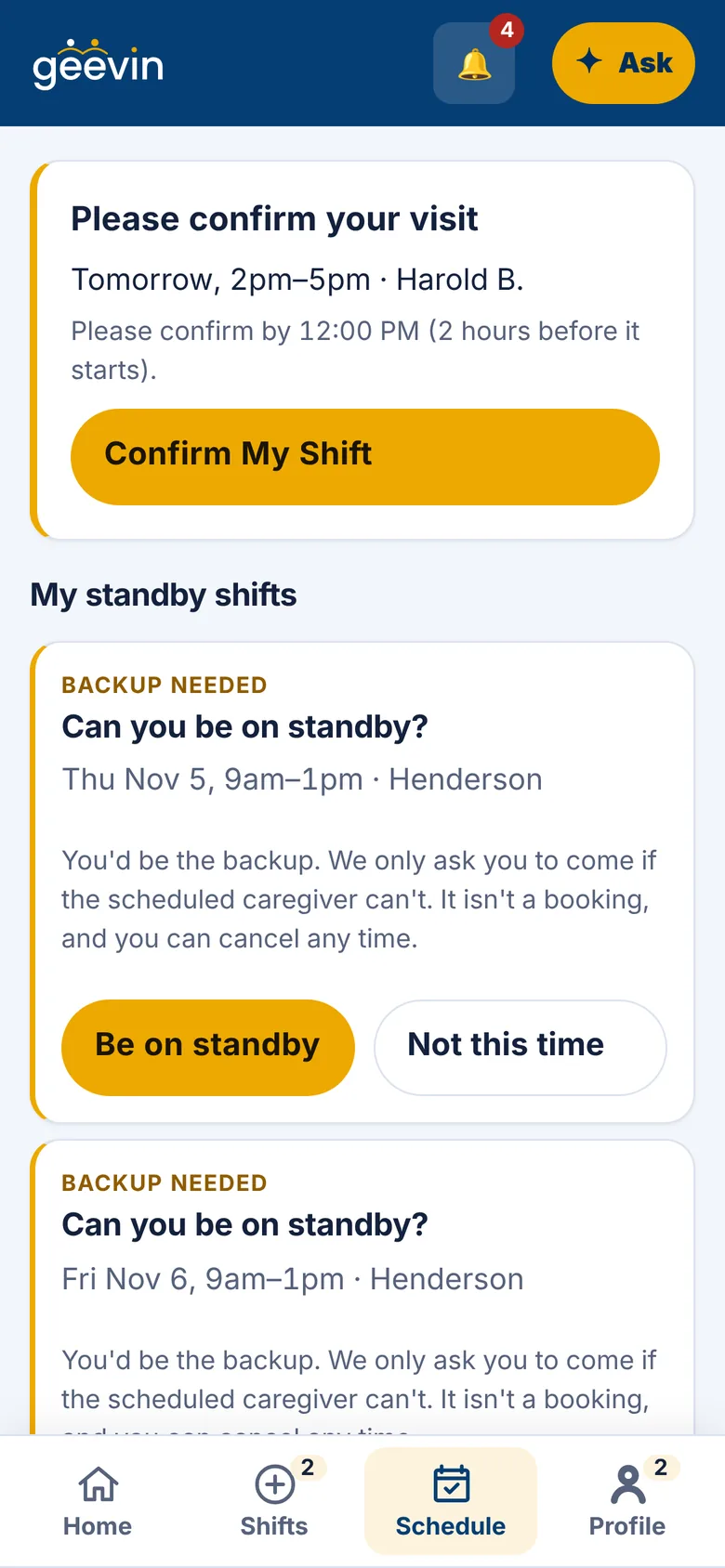
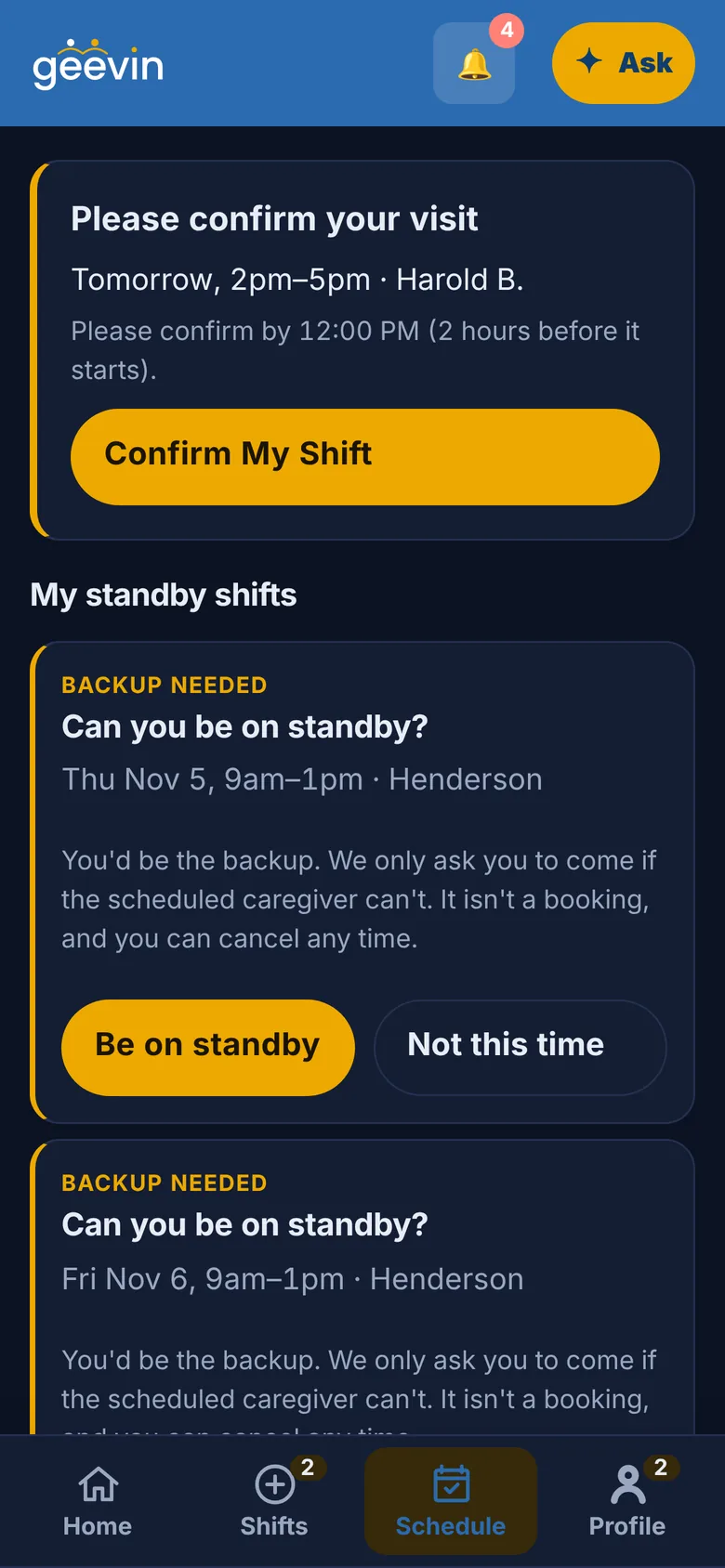
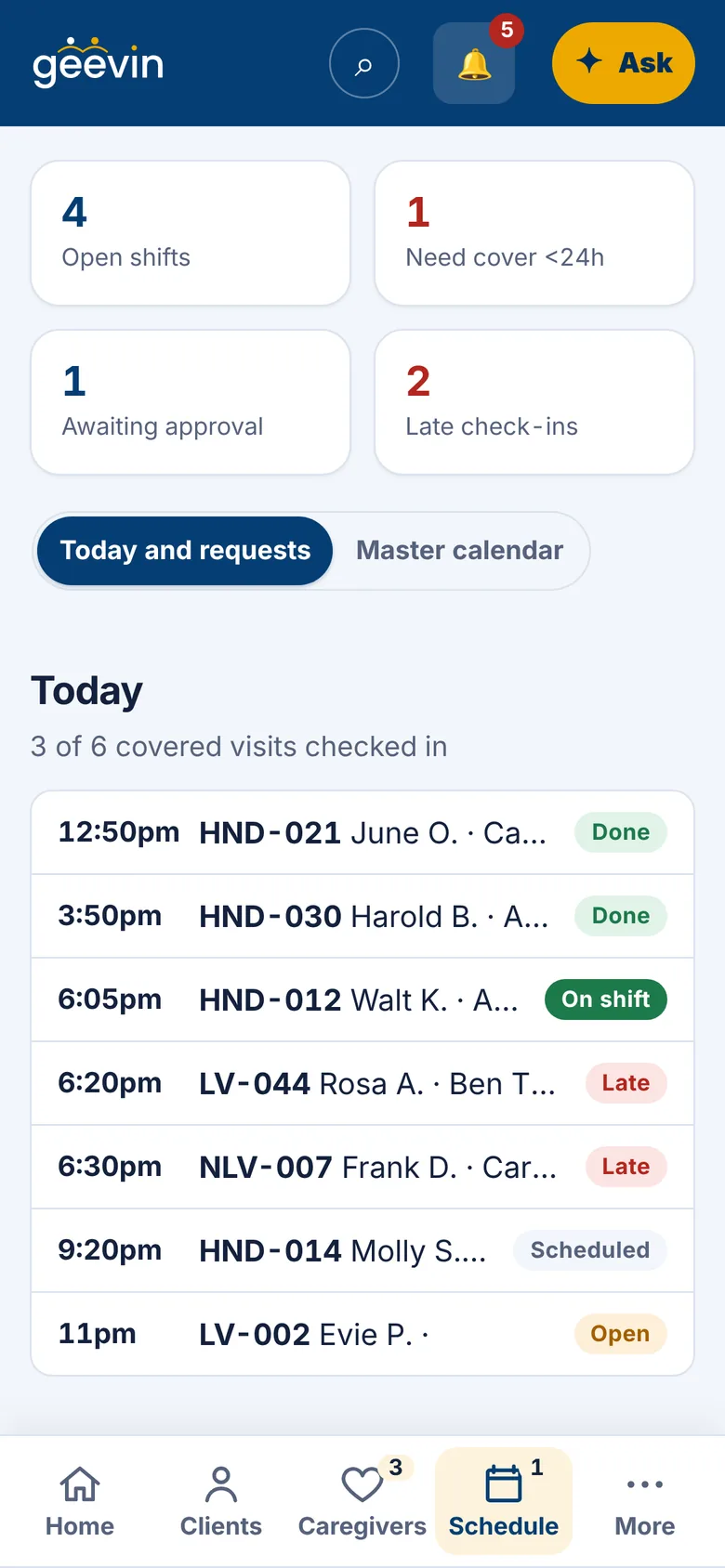
The caregiver schedule.
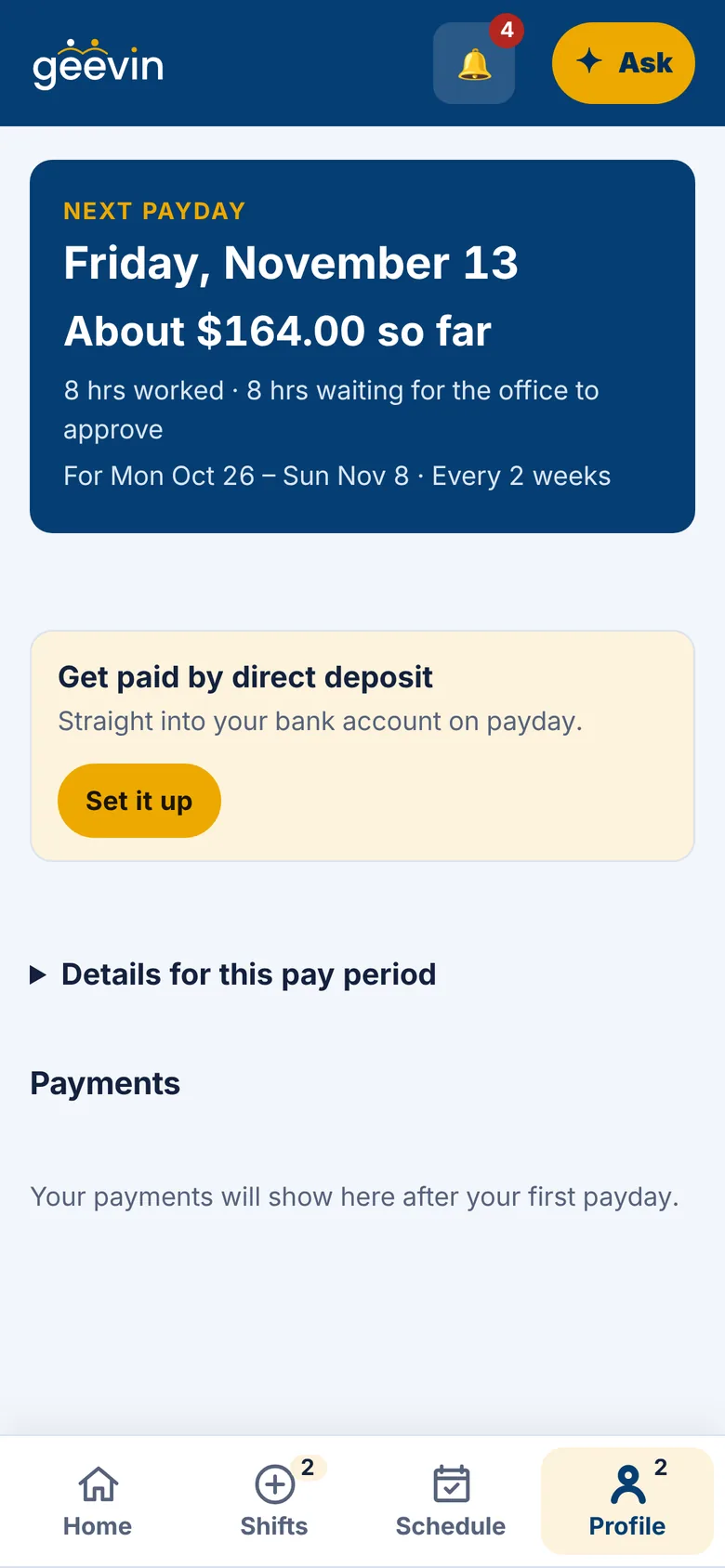
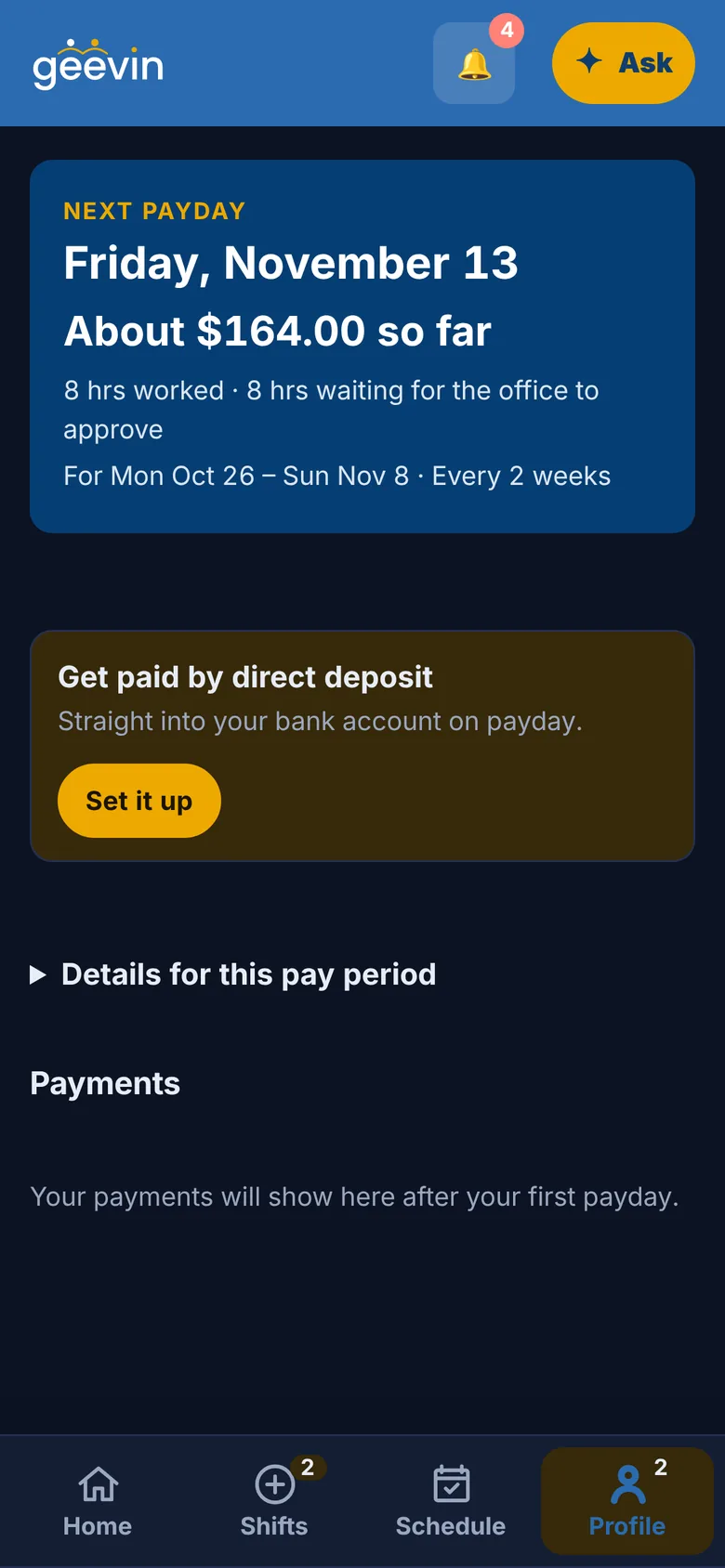
Earnings: next payday and the amount so far.

For caregivers

Find shifts. Choose your schedule. Care on your terms.

  • Shifts that fit you, first. geevin puts the best matches for your hours and your clients at the top.
  • Tap Accept. The office confirms, and it lands on your schedule.
  • Set your availability once. Change it anytime.
  • Clock in and out from your phone, and leave your visit note before you go.
  • Send your hours and invoice in one tap, and always know your next payday.
Start giving care

For clients and families

Finding care should feel effortless.

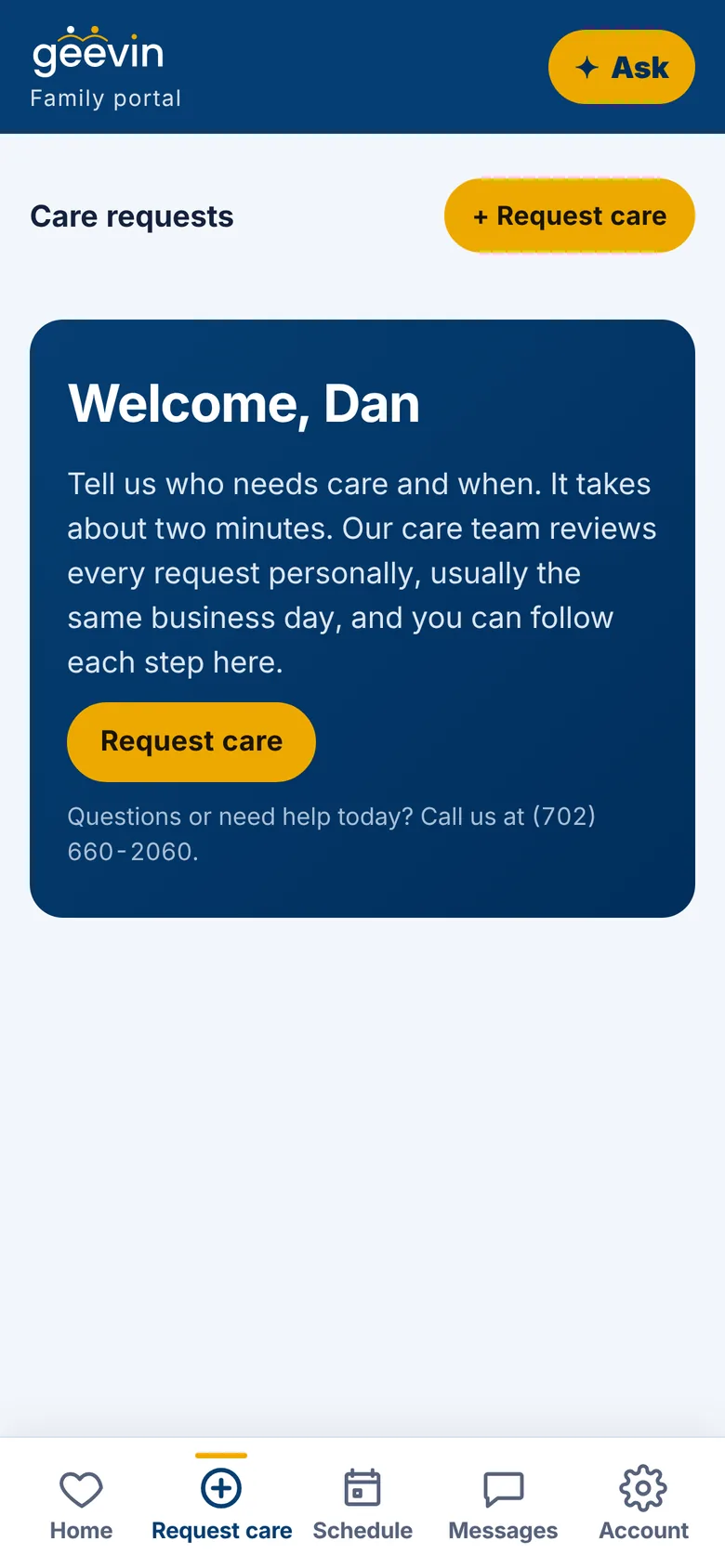
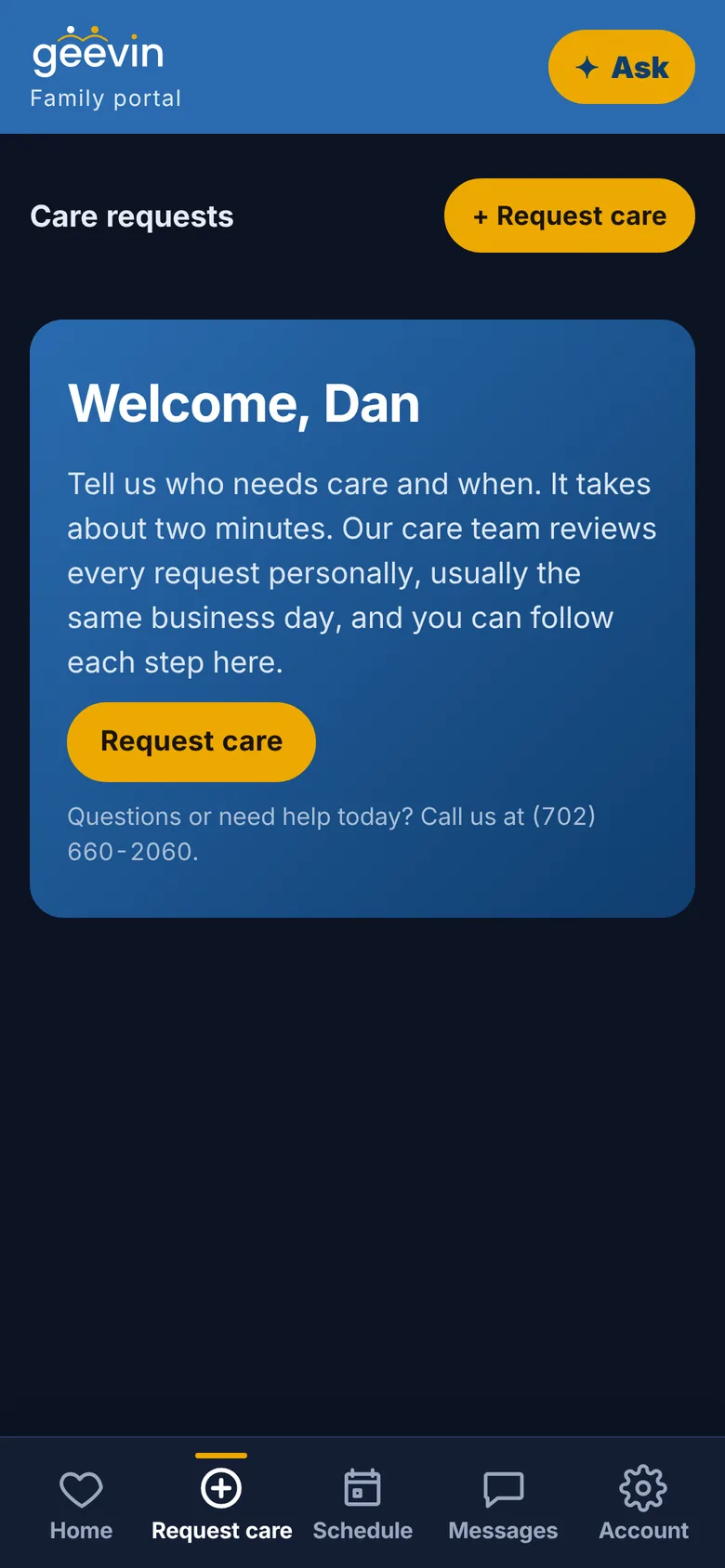
  • Ask for care in about two minutes. Tell us who needs care and when.
  • Meet your caregiver before they arrive: their photo, experience and checked credentials.
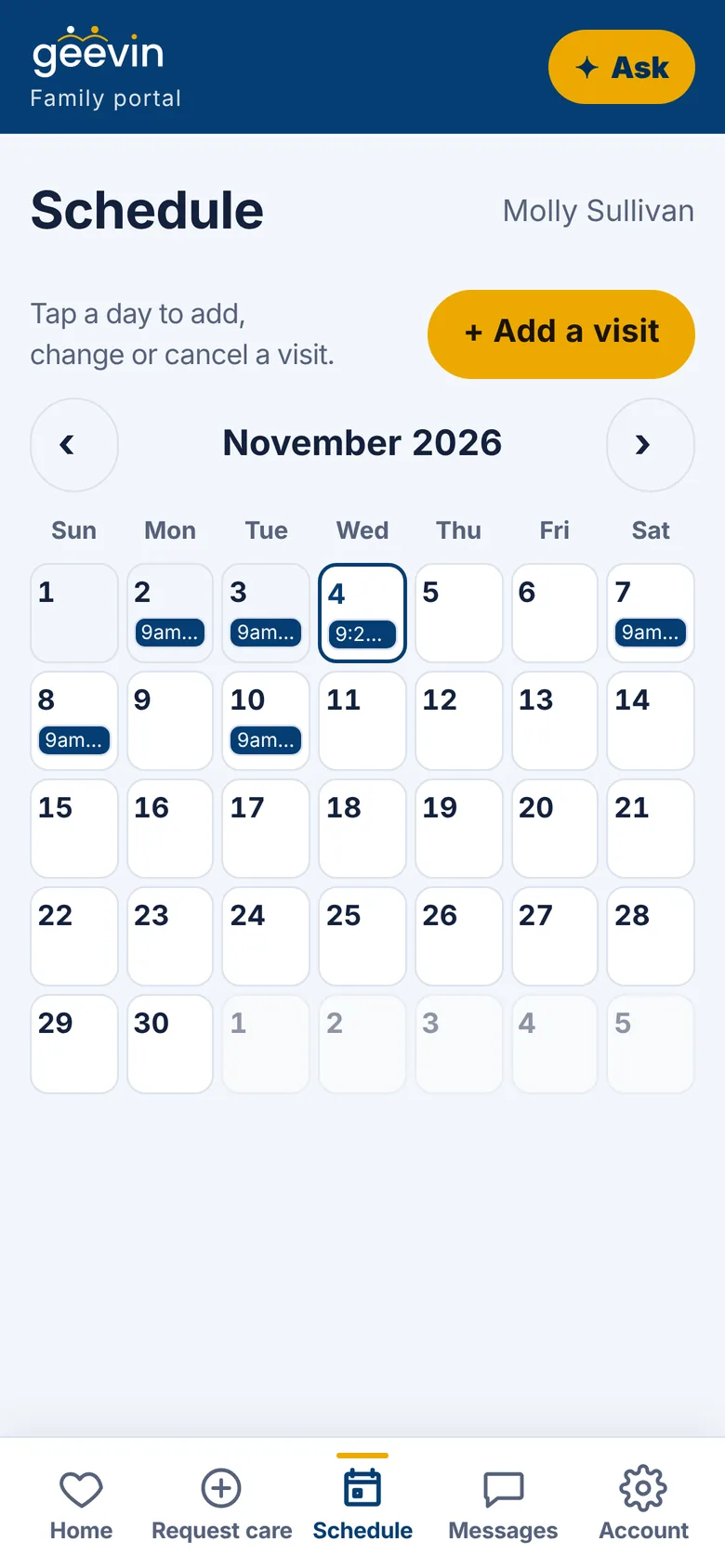
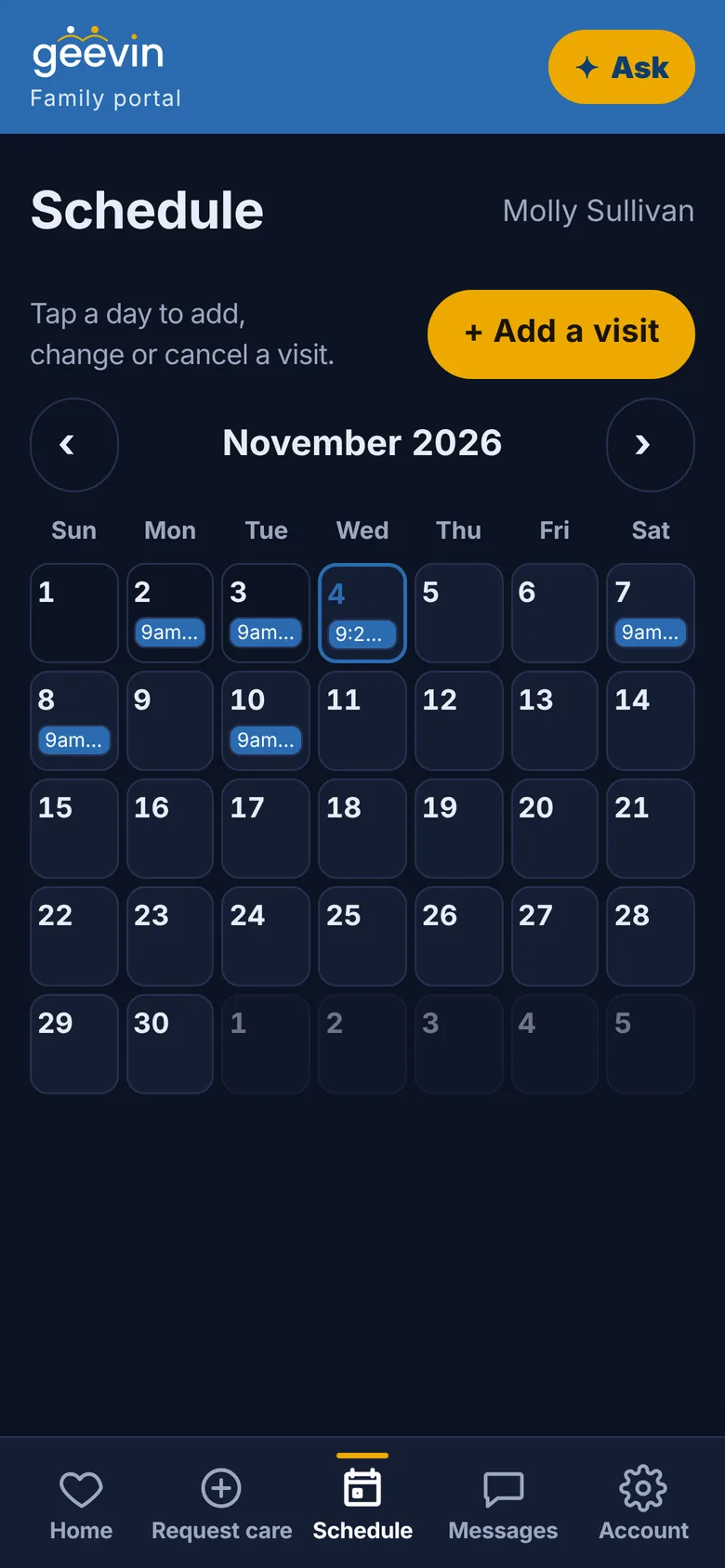
  • Tap a day to add, change or cancel a visit.
  • Know when they arrive and leave, and read the note from every visit.
  • Message the office or your caregiver privately, right in the app.
Request care

For care agencies

Run your care operations with remarkable simplicity.

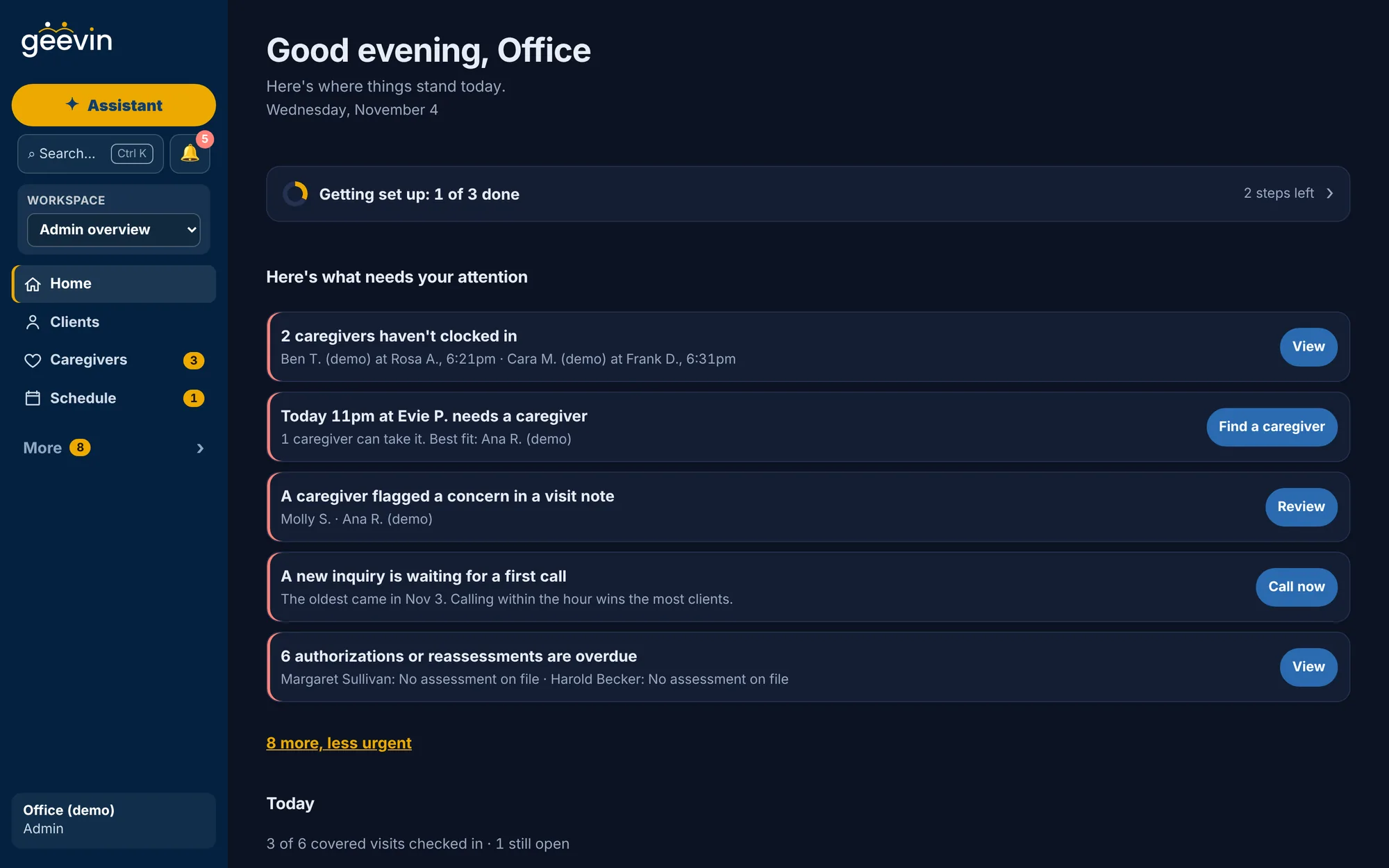
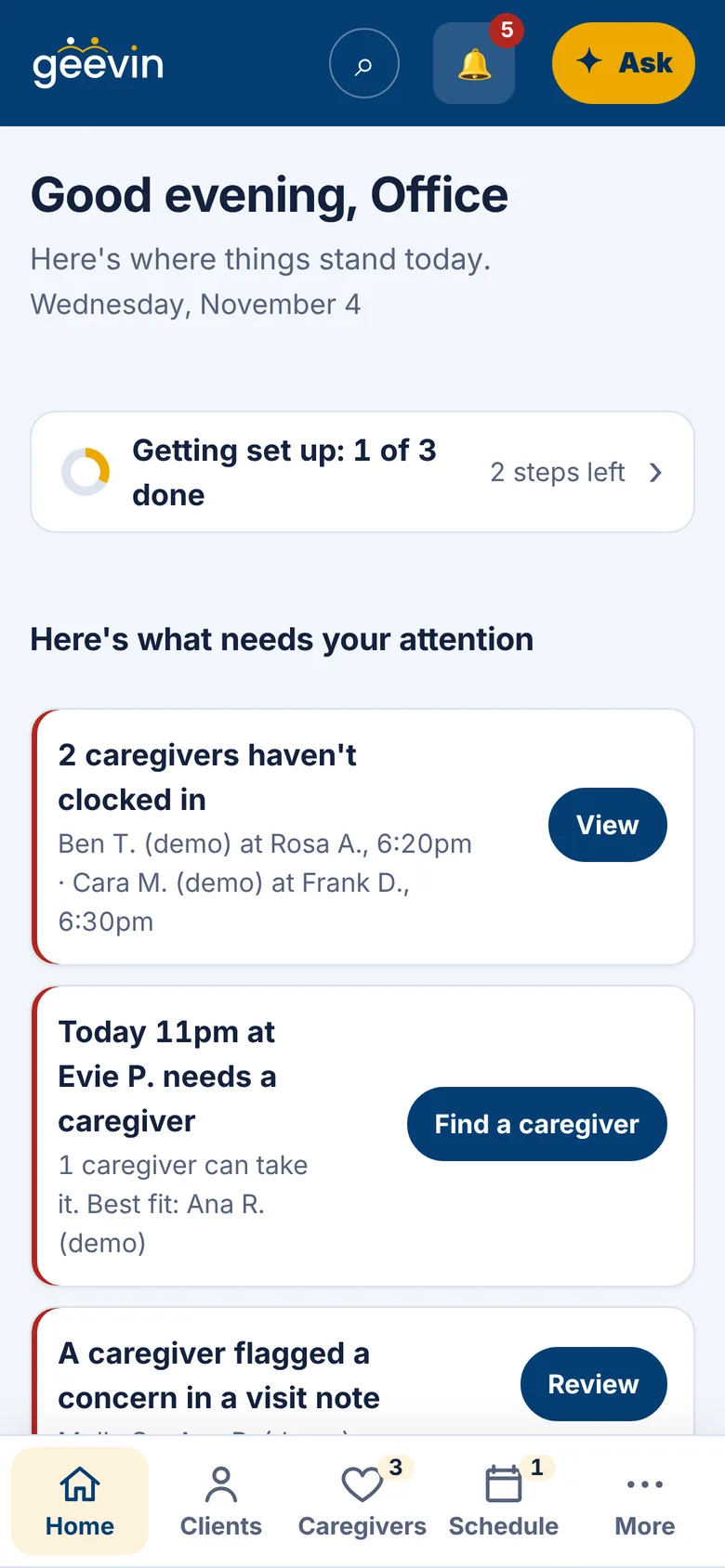
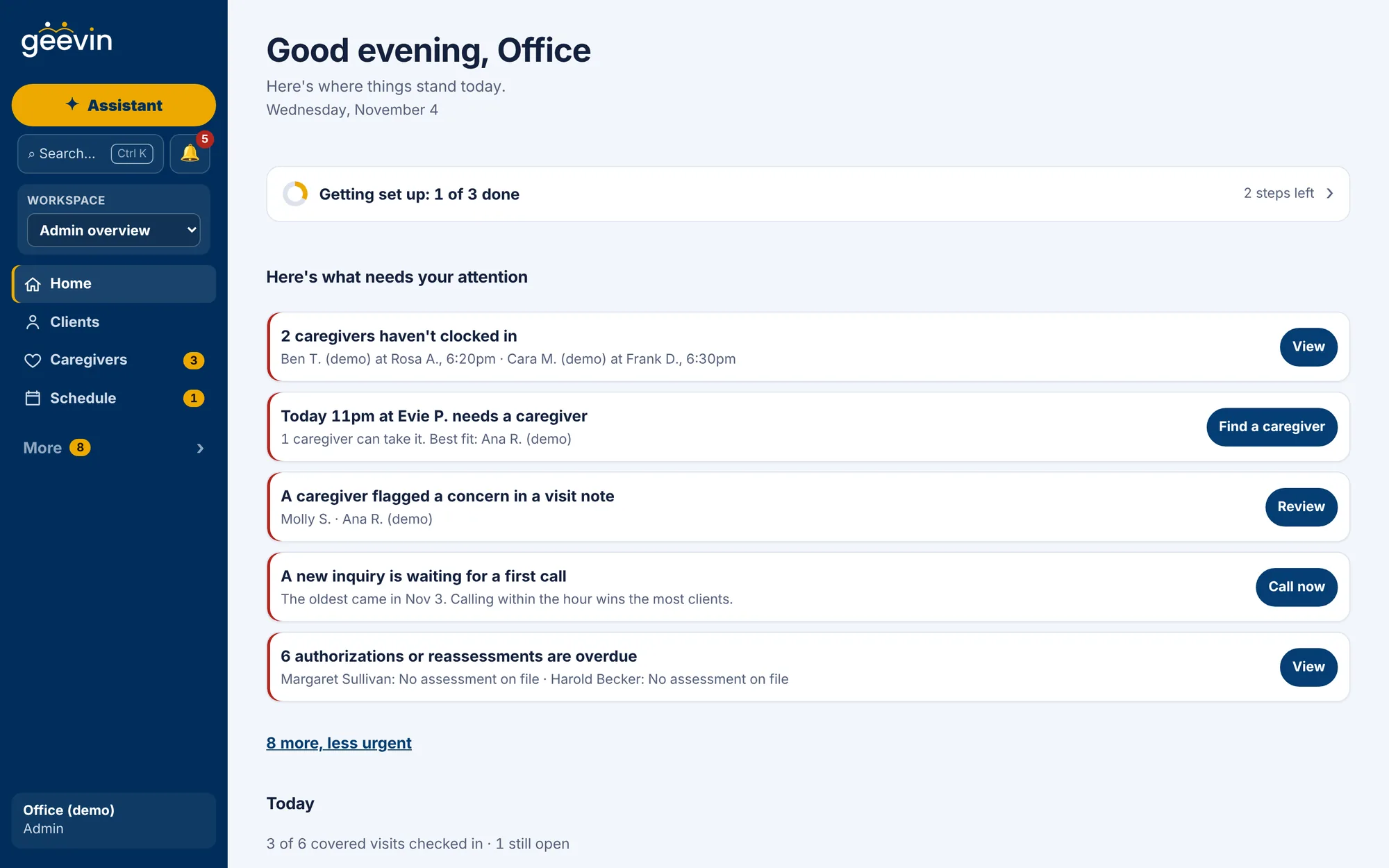
Open geevin and see what needs you today, each with one button. The rest is already done.

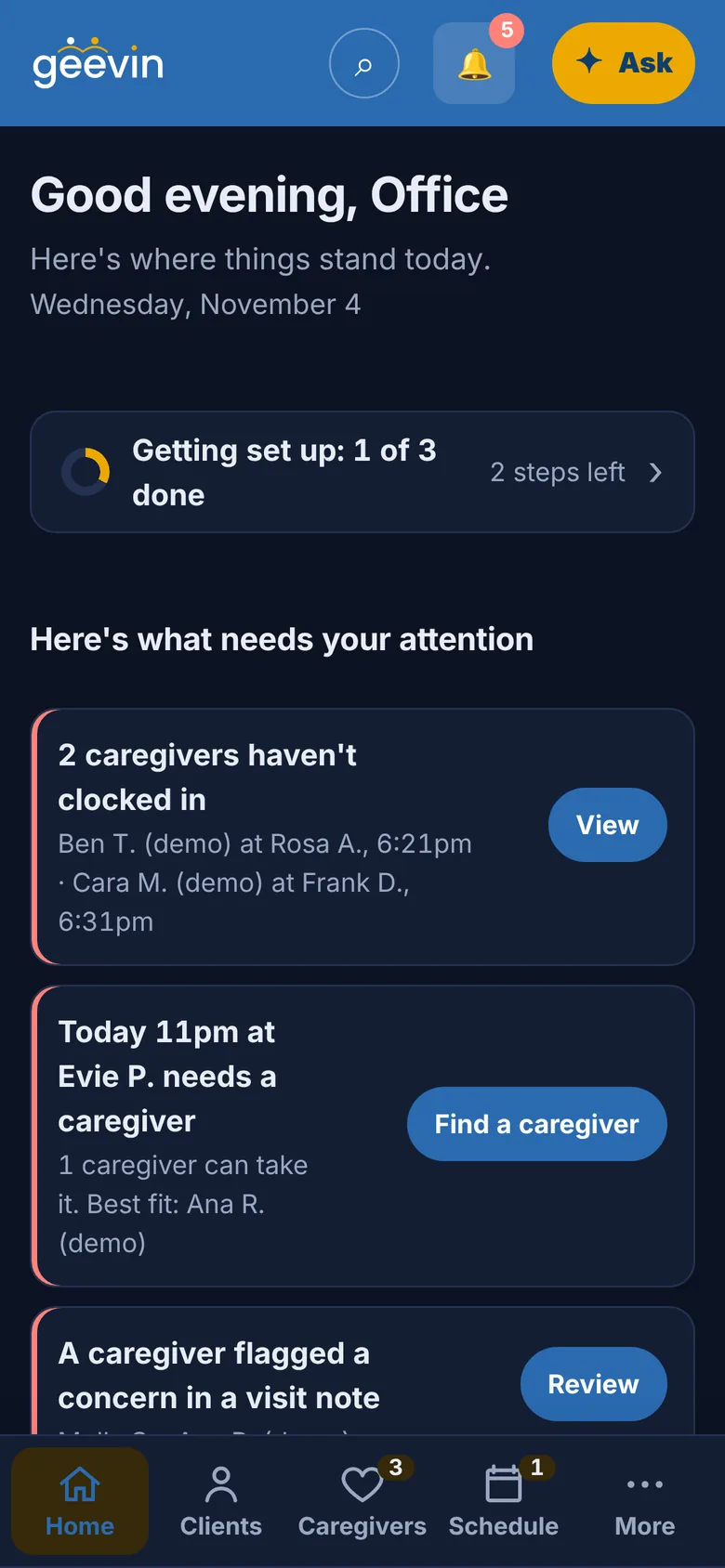
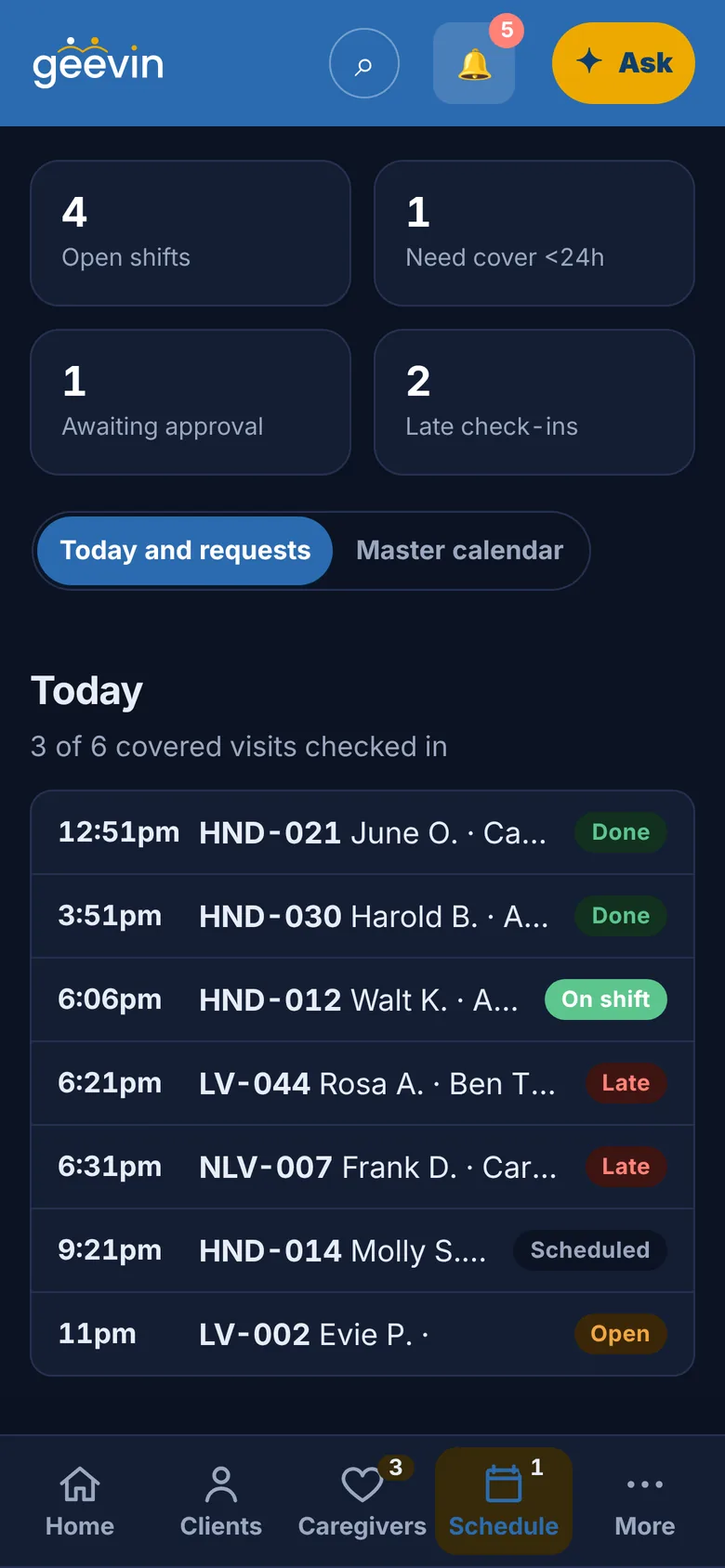
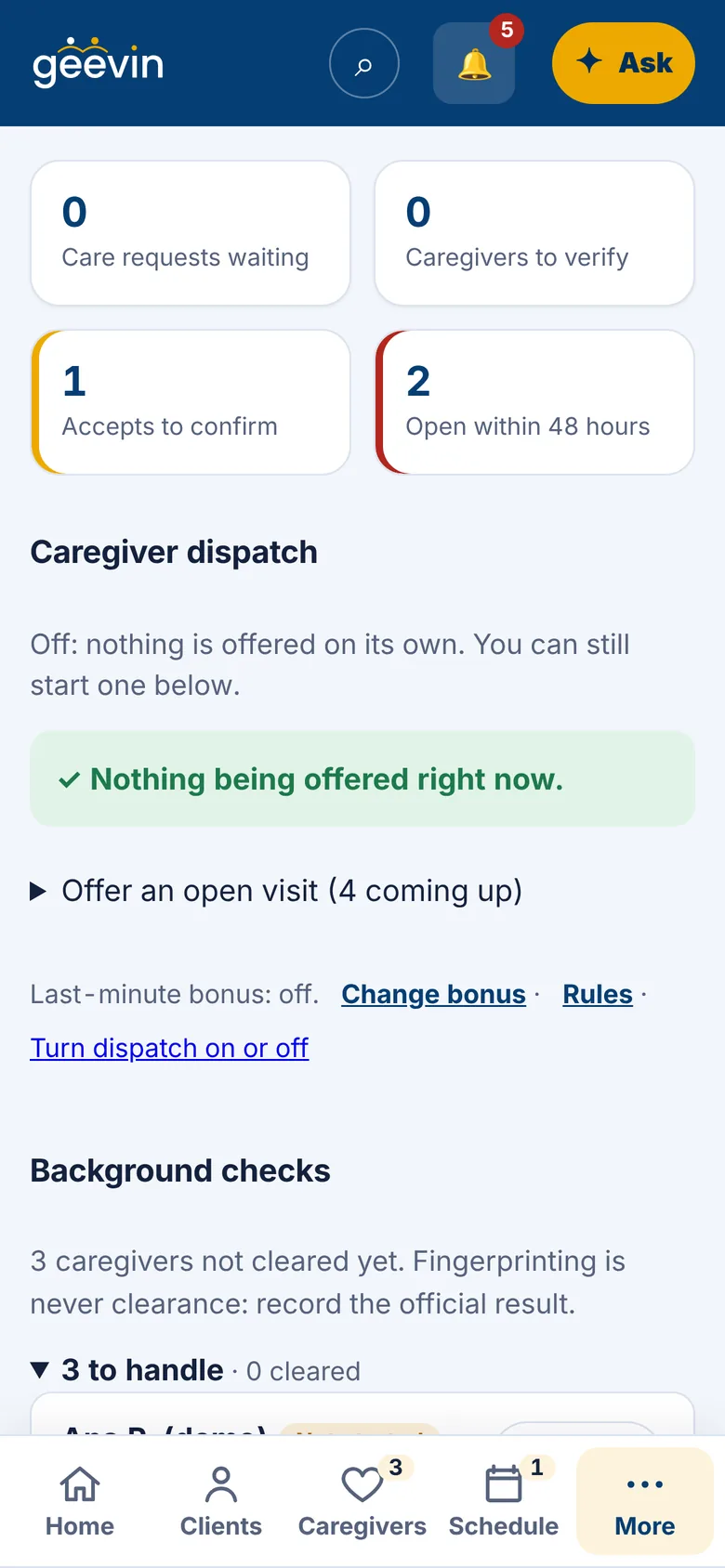
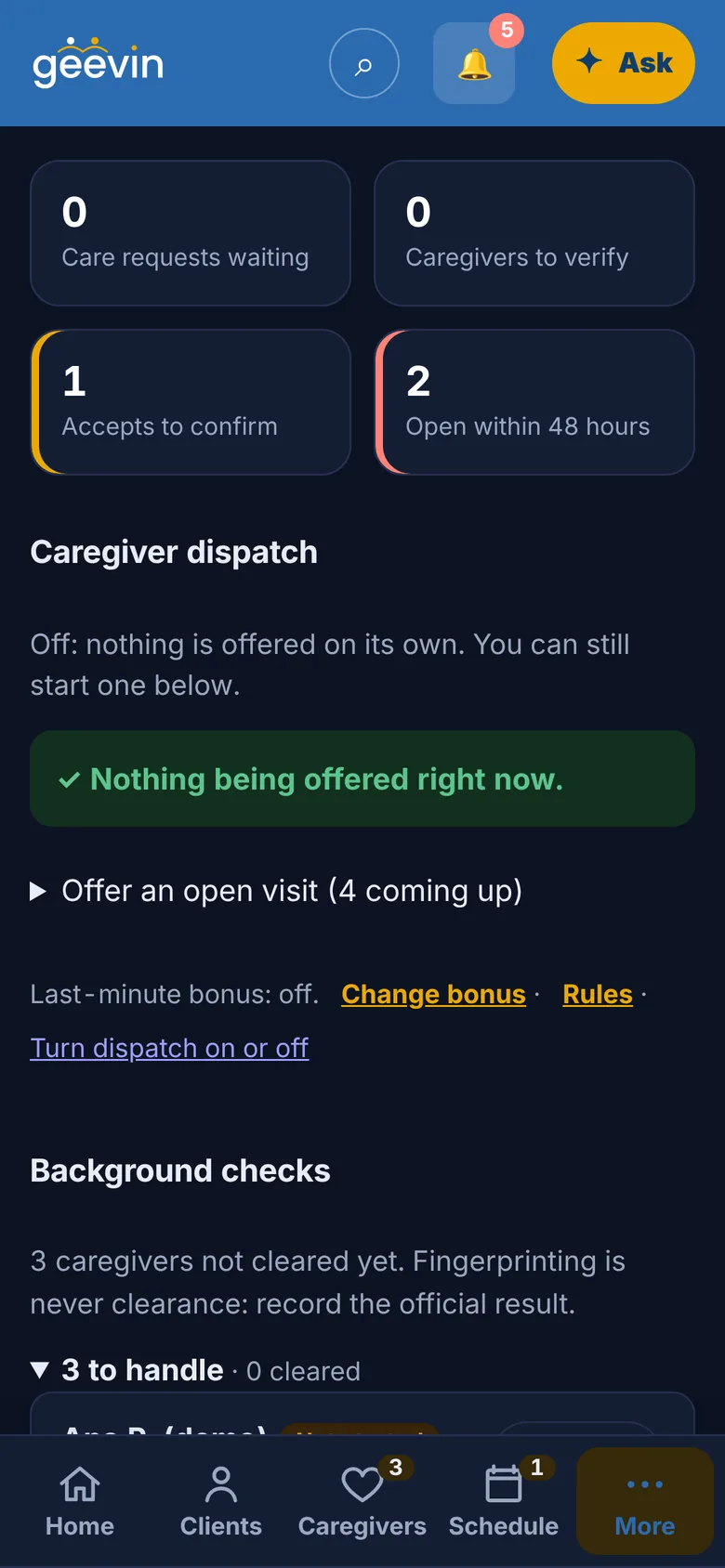
The office Home screen in geevin: here's what needs your attention, with one action button per item. The office Home screen in geevin, in dark mode.
  • Scheduling that fills itself

    Open visits go to caregivers who are free and a good fit. Anyone with a conflict is skipped.

  • Caregivers ready faster

    Sign-up, documents, credentials and background checks, tracked in one place.

  • Clients in one view

    Care plans, schedules, visit notes and messages, together.

  • Approved hours, respected

    Visits stay within each client's approved hours, so you only pay and bill what's allowed.

  • Billing, prepared

    Submitted hours become draft invoices and claims for your team to review and send.

  • Payroll in three steps

    Review. Approve. Pay. Nothing moves without the owner's say-so.

Invisible intelligence

Complexity belongs behind the scenes.
Simplicity belongs in your hands.

  1. 01

    It matches

    The right caregiver for the right visit, by hours, place and who already knows the client.

  2. 02

    It checks

    Conflicts, missing paperwork and hours over the limit are caught before they become problems.

  3. 03

    It prepares

    Timesheets, invoices and the next step are ready before you ask.

  4. 04

    It learns, privately

    It notices how you work and puts your next step within reach. You can turn it off anytime.

  5. 05

    It helps you finish

    Ask in plain words. The assistant gets the task ready for you to confirm, and always tells you it's AI.

People make the decisions that matter. geevin does the rest.

Private by design.

Encrypted

Everything travels over a secure connection and is encrypted where it's stored.

Only what you need

Every person sees only what their role allows. Families see their own care. Caregivers see their own visits.

Easy, safe sign-in

No passwords to remember. Use an email link, Google, or Face ID and your fingerprint.

Get geevin.

Find care. Find work. All in one friendly app.

iPhone app coming soon. Until then, geevin works great in Safari.

QR code that opens geevin on Google Play

Scan with your Android phone to download.